nest
Download
nest
Download
nest
Download
nest
Download
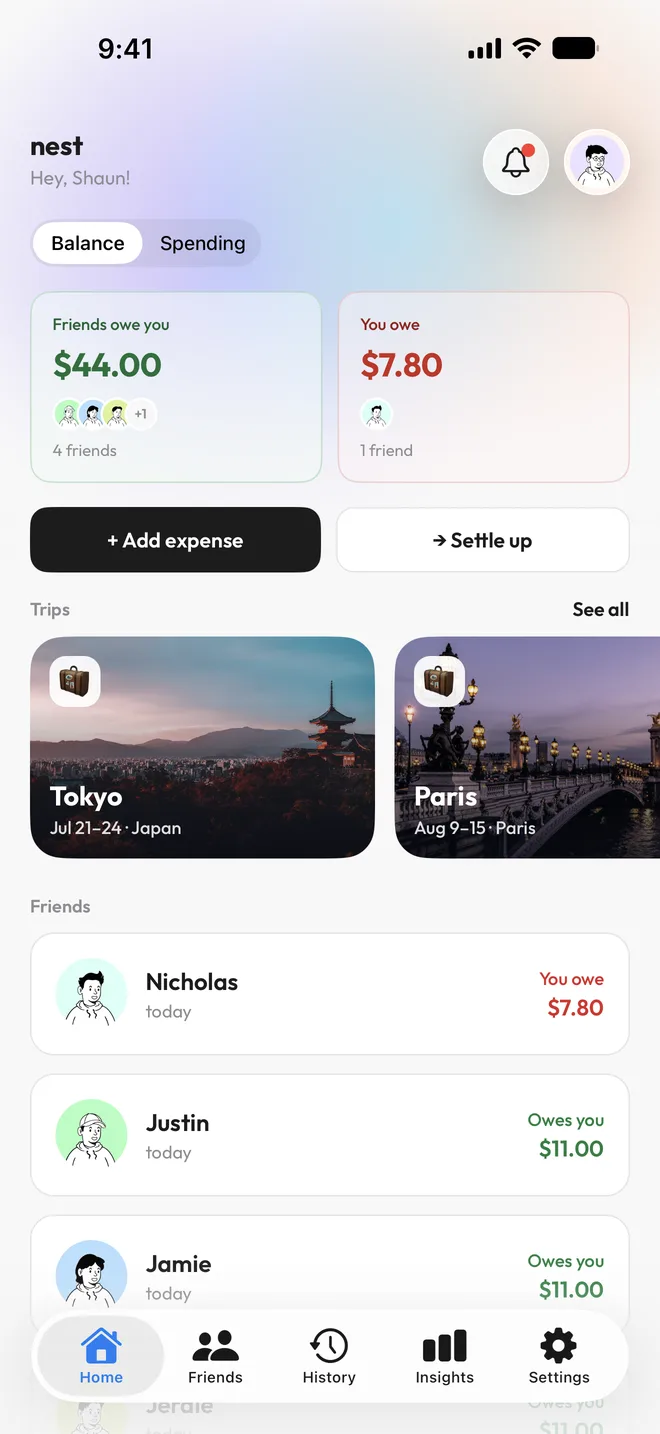
Nest splits bills with friends, down to the GST, and keeps track of everything you spend.

Point your camera at the bill. Nest picks out each item, along with the service charge, GST and any discounts.
Then tap who had what. Everyone's share is worked out for you, tax and all.
Pay with Apple Pay, or get a payment notification from your bank, and Nest adds the expense for you. No typing, and nothing forgotten.
Bank notification tracking needs iOS 27 on an iPhone that supports Apple Intelligence.
You paid SGD 18.50 to KOUFU JURONG POINT with your card ending 4321.
Starbucks · SGD 7.40 with Apple Pay
Every expense in Nest, split or just yours, is sorted into a category with its own emoji and colour.
Insights shows what you spent each day, week, month or year, and which categories it went to.
Start a trip and add your friends. Every expense on it is shared with the whole group, so nobody gets left out of the bill.
When you're home, Nest settles the trip in as few transfers as possible.

Add expenses in any currency. Nest converts each one at a rate close to what Visa and Mastercard charge.
Everything adds up in your home currency, so settling up is just one number.
See who owes what across every bill and trip, all in one place.
When someone pays you back, record it in Nest and both of your balances update.
Ask how much you spent on food last month, or type "Lunch $12 with Sam" to add it.
Split with anyone by their Telegram username, even before they join.
Add a subscription or a shared plan once, and Nest adds it for you every time it's due.
Yes. Nest is free to download and use. Nest+ is an optional subscription that raises each feature's monthly limit from 100 to 500 uses, and helps cover the cost of servers and AI.
No. You can split with anyone using their Telegram username. When they join, they'll see everything you've already shared with them.
Not yet. Nest is on iPhone for now.
Download Nest to split your next bill and see where your money goes.
 spending.



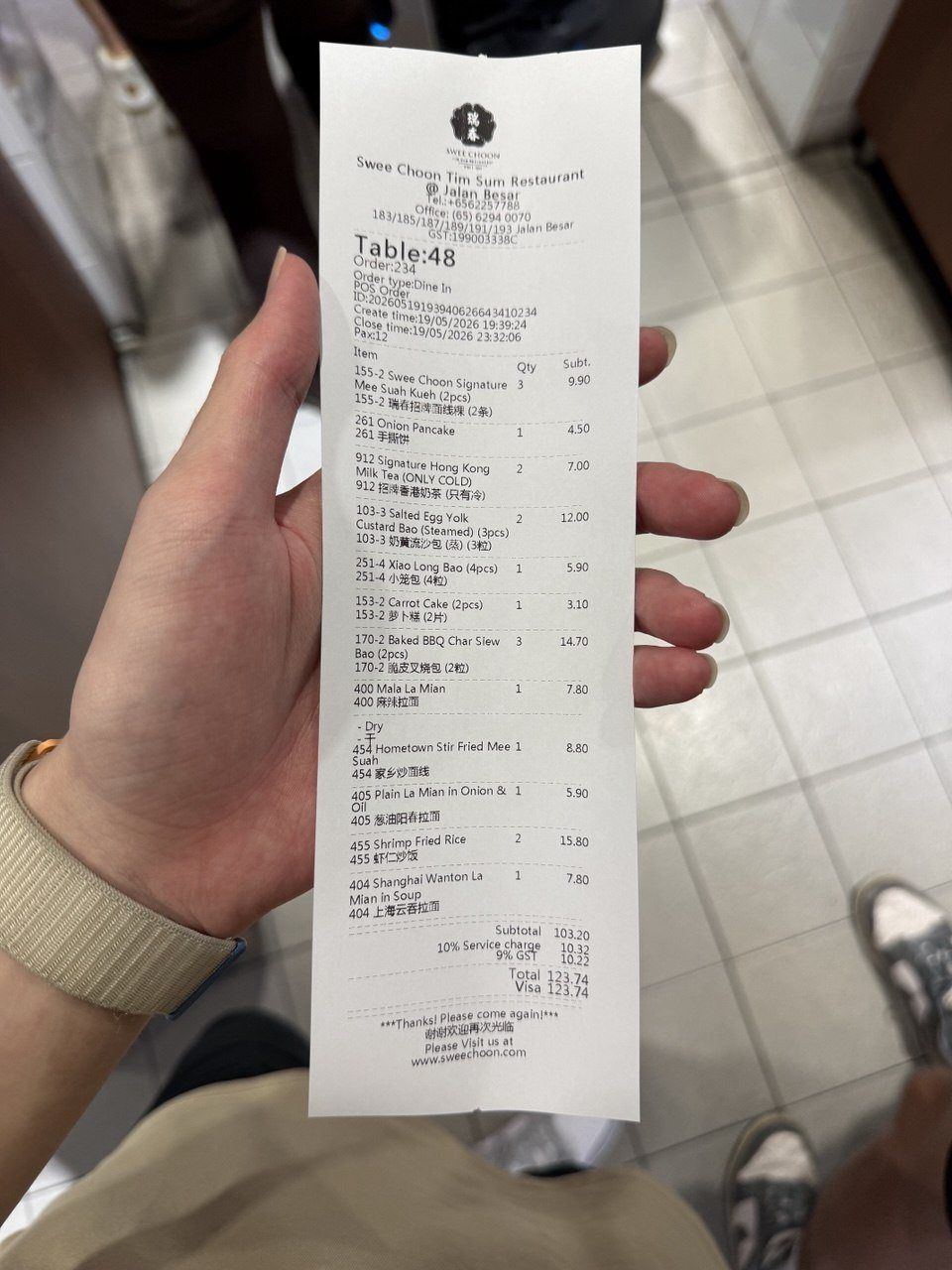
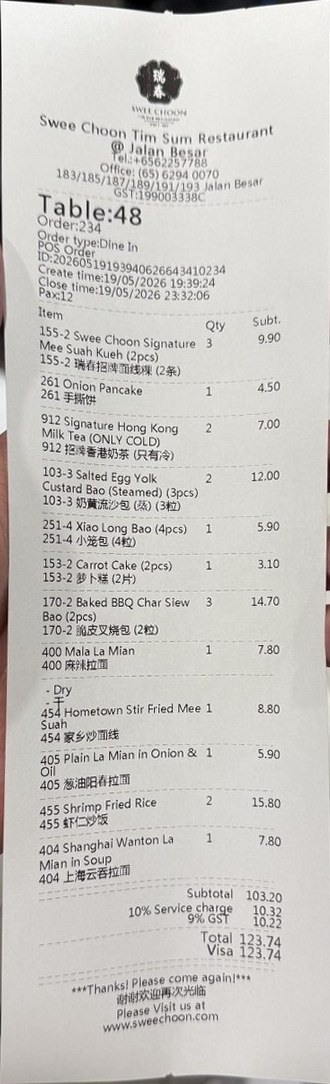

 Swee Choon Tim Sum Restaurant
 Apple Pay
 Bank notifications
 Forwarded emails






 Tokyo
Tokyo